

AI workshops and training
Understand AI. Use it safely. Put it to work day to day.
Alongside strategy and technical implementation, enabling your people is a central part of our work.
Service
AI strategy workshops
From first AI ideas to a clear basis for strategic decisions
Starting point
Many companies are already engaging with artificial intelligence, but face the question of where AI can genuinely be put to good use in their own organisation, and what the next steps should be.
Approach
In our AI strategy workshops we work with the management team and — depending on the company — the relevant department heads to build a well-founded basis for putting AI to work.
The workshop can be held on site or online, and combines strategic orientation with a concrete analysis of the company.
How it runs
We begin by building a shared understanding of where artificial intelligence stands today, what current AI technologies make possible, and where their limits lie. We also look at the conditions that matter — data protection, the EU AI Act and the responsible use of AI, for example.
We then apply that knowledge to the company itself. Together we look at existing processes and ways of working, identify possible AI use cases, and assess each one for benefit, feasibility and relevance.
The potential we identify is then structured and prioritised. The result is a dependable basis for deciding which AI initiatives to pursue first, and what a sensible strategic roadmap looks like.
What a workshop typically covers
- Where artificial intelligence stands today and where it is heading
- What AI makes possible, and its limits and risks
- Legal and organisational conditions
- Analysis of existing company processes
- Identifying concrete AI use cases
- Assessing and prioritising the use cases
- Deriving concrete next steps
- Developing a first AI roadmap
The result
By the end of the workshop, the management team has a clear picture of the AI potential that matters in their own company, and a well-founded basis for decisions about investment and implementation.
Instead of starting individual AI projects in isolation, what emerges is a strategic plan for where AI can create the most value and which measures make sense next.

AI workshops & seminars
Understand AI. Use it safely. Put it to work day to day.
Alongside strategy and technical implementation, enabling your people is a central part of our work.
Our AI workshops and seminars teach artificial intelligence in a way that is easy to follow, close to practice and immediately applicable. The focus is not on abstract theory, but on participants being able to put AI to sensible use in their own working day afterwards.
Every course can be tailored to your company, the software you already run, the audience in the room and your specific processes.
AI fundamentals training
For employees with no AI experience, or with their first, we offer a hands-on introduction to artificial intelligence.
Depending on the IT environment in use, the emphasis can be set differently — for example:

AI fundamentals
- How do AI and generative AI actually work?
- Which core terms should you know?
- What opportunities, limits and risks are there?
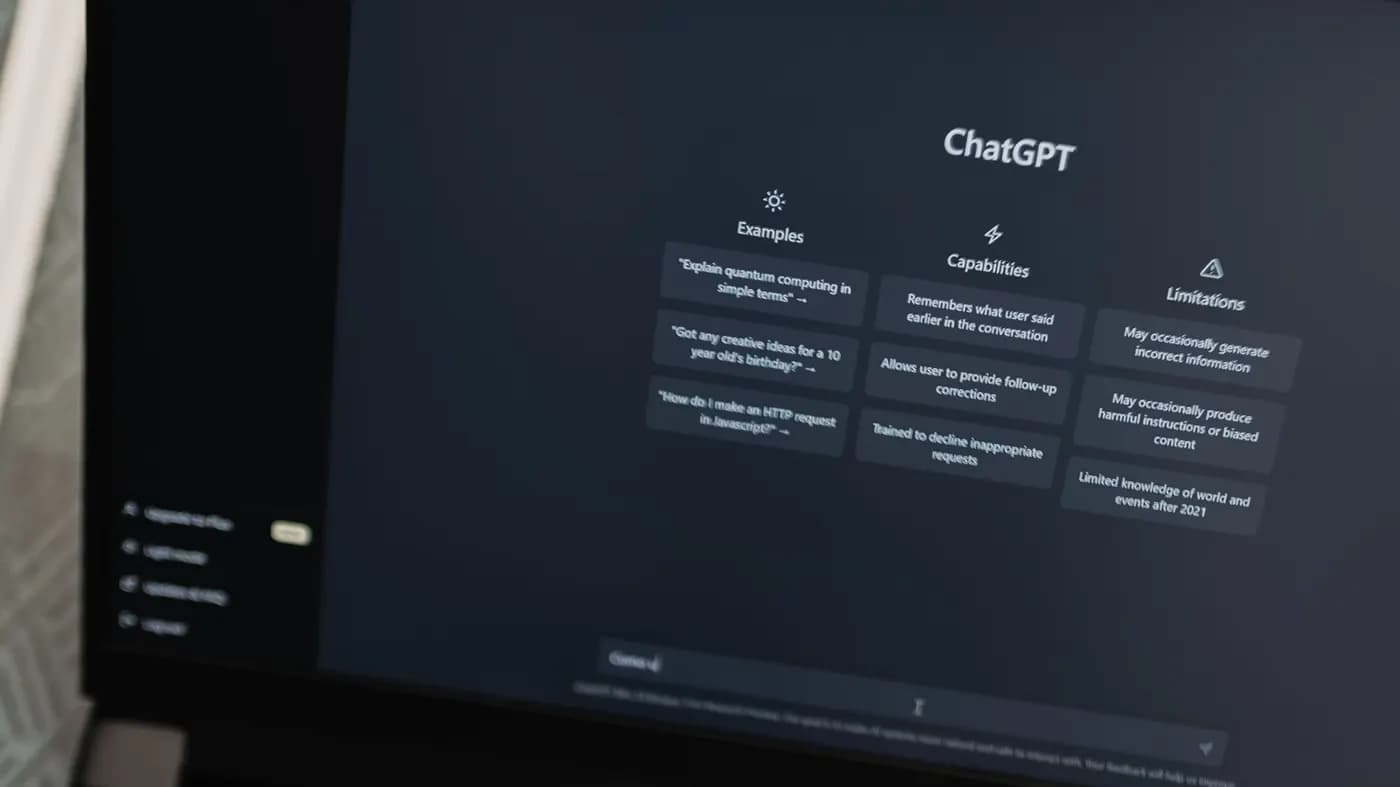
ChatGPT
- Safe and productive use of ChatGPT, effective prompting, plus concrete exercises and worked examples.

Microsoft Copilot
- Using Microsoft Copilot and Copilot Chat day to day, and where it can be applied within Microsoft 365.
General advanced training
For employees who have already gathered some experience with AI, we offer follow-on formats.
Possible topics include:
Copilot Agents & Custom GPTs
Building your own AI assistants, connecting knowledge sources and tailoring them to concrete requirements.
Microsoft Copilot in Office applications
Working more efficiently with Copilot in Word, Excel, PowerPoint, Outlook and Teams.
Prompting & working effectively with AI
Advanced prompting techniques, reusable prompts, quality control and a sensible division of labour between people and AI.
Further AI tools
Depending on your IT policies and requirements, solutions such as Claude, Gemini, Mistral or other AI applications can be covered as well.
AI automation
Automating recurring tasks and connecting separate processes to one another — with Power Automate, for example.
Department-specific AI training
Training becomes particularly effective when it deals directly with the tasks of the people in the room.
That is why we also develop training formats for specific departments — for example:
AI for assistants
Scheduling, handling email, meeting preparation, minutes and follow-up.
AI in finance
Working with Excel and Copilot, data analysis, evaluations, reports and plausibility checks.
AI for communications & marketing
Writing, reworking and audience-tailoring copy for websites, newsletters, social media and press work.
AI for customer service
Email replies, research, knowledge management and structured handling of recurring enquiries.
AI for event management
Support with invitations, agendas, attendee communication, event materials, feedback analysis and follow-up.
Ongoing support: the AI Update Café
Because the AI market moves so quickly, successful AI training does not end with a single course.
With our AI Update Café we therefore offer a regular in-house format — quarterly, for example.
At the same time it creates room for questions, shared experience and the concrete challenges of the working day.
That keeps the AI knowledge built up inside the company current and usable for the long run.
In it we give a compact briefing on:
- the important current developments around AI
- what is new in ChatGPT and Microsoft Copilot
- relevant new tools and trends
- new ways of applying them
- best practices from real projects
Tools we work with














Live online briefing · November 24, 2026
AI Update Sprint
Catch up on the state of AI in three hours.
New models, tools and features appear almost daily. We sort the most important developments and show which of them genuinely matter to a business.
- Where things stand
- Orientation
- In practice
- Next steps

- Date
- November 24, 2026
- 13:00–16:00 · Online
Early bird
3 days left€199€249
AI Update Sprint
What you get in three hours
Where things stand
What has genuinely changed over the past months?
Orientation
Which of the new developments deserve your attention?
In practice
Using concrete examples, we show what becomes possible for teams and companies.
Next steps
What is worth watching, testing or following up on?
Who is the AI Update Sprint for?
For anyone who works with AI or decides about it.
Not an introductory course.
The AI Update Sprint is for people who already know AI and want to refresh and extend what they know.
You already use AI, or have made a start with it.
You want to make sense of changes more quickly.
Your work involves putting AI to use.
You make decisions about AI in your company.
You would rather not spend hours researching every week.